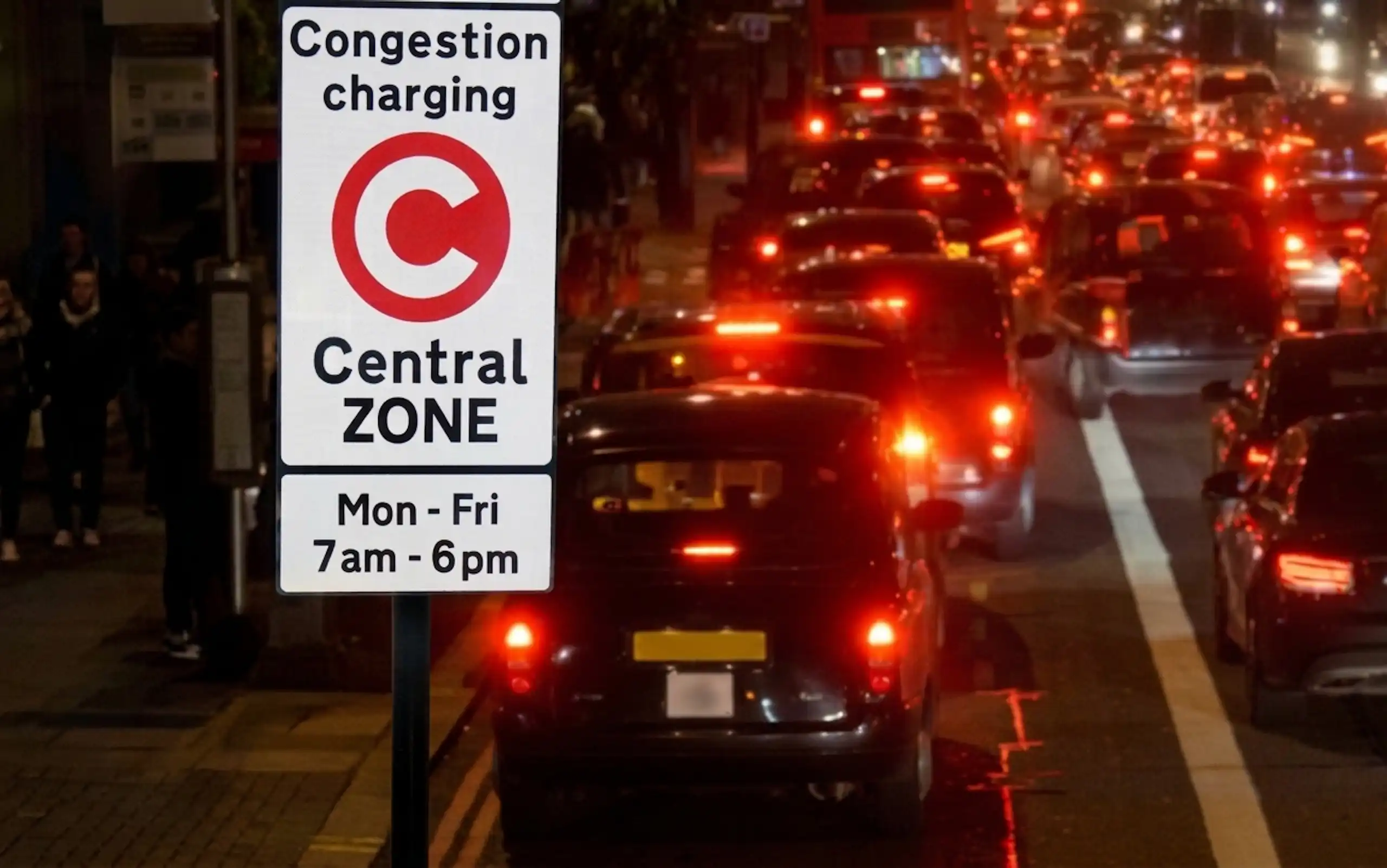
If you have a Transport for London congestion charge Penalty Charge Notice (PCN), here is the short answer: it is £160, reduced to £80 if you pay within 14 days, and you pay TfL directly, online, by phone or by post. The single most important thing is to act inside that 14-day window, because the discount halves the cost.
Two quick notes before you pay. Pay only through the official TfL website, never through a link in a text or an unofficial site that adds its own fees. And if you think the PCN was issued by mistake, do not pay yet, because paying is normally treated as accepting it and can end your right to appeal.
This guide explains what a congestion charge PCN is, the fastest way to pay, the official TfL payment steps, what happens if you miss the discount, and how to appeal.
TL;DR: paying a TfL congestion charge PCN
- The cost - £160, reduced to £80 if you pay within 14 days.
- Miss the discount - you pay the full £160, and after 28 days unpaid it rises to £240.
- How to pay - through TfL online, by phone or by post, using the PCN number and your vehicle registration.
- Fastest way - the SnapMyFine app reads the notice and pays it for you in seconds, with no portal to hunt down.
- Stay safe - use only the official TfL website; ignore payment links in texts.
- Do not pay if you plan to appeal, as paying can end your right to challenge.
What is a TfL congestion charge PCN, and how much is it?
A congestion charge PCN is a penalty from Transport for London for driving in the central London congestion charge zone during charging hours without paying the daily charge on time. TfL's cameras read your number plate, and if no payment is recorded, a PCN is sent to the registered keeper.
The amounts are set by TfL:
- £160 as the standard penalty.
- £80 if you pay within 14 days of the date of the notice.
- £240 if it is still unpaid after 28 days, once a Charge Certificate is issued.
For context, the daily congestion charge itself rose to £18 from January 2026, as set out on the TfL congestion charge changes page; missing that daily payment is what leads to the much larger PCN. The congestion charge and the ULEZ are separate schemes, so it is possible to owe both on the same day; the ULEZ daily charge remains £12.50, and a ULEZ PCN works in the same way as a congestion charge one. For how this fits with other tickets, see how much is a parking ticket in the UK.
What is the fastest way to pay a TfL PCN?
For most drivers it is the SnapMyFine app, because it removes the slow part of paying TfL by hand. The official route below works, but it means opening the right TfL page and typing in a long PCN number and your registration without errors. SnapMyFine does that reading for you:
- Snap - photograph the PCN with the app; it captures the issuer, reference, amount and deadline instantly.
- Check - it confirms in plain English what the notice is and whether it looks correct.
- Pay - settle it securely through FCA-regulated UK Open Banking, with no card needed and a digital receipt.
- Stay ahead - it reminds you before the 14-day discount window closes, so you do not slip to the full £160.
According to SnapMyFine, the app processes a fine in around 60 seconds on average. If you manage several vehicles that pick up TfL PCNs, the same workflow scales through SnapMyFine for fleet operators.
Prefer to pay TfL directly? Here is how.
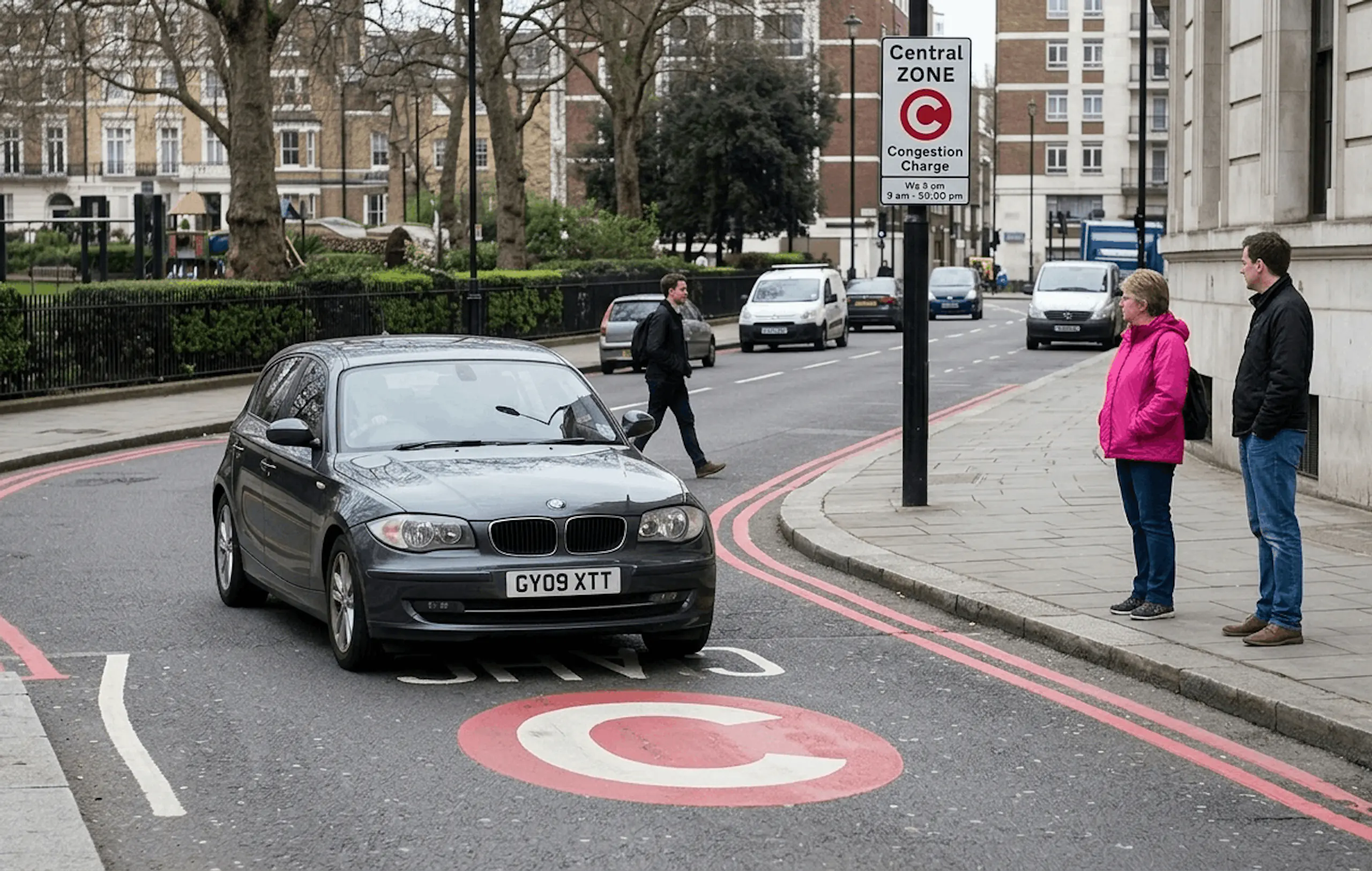
How do you pay a TfL congestion charge PCN through TfL?
You can pay TfL three ways. For all of them, have the PCN number (printed on the notice) and your vehicle registration ready:
- Online - the quickest official route. Pay on the official TfL PCN payment page by debit or credit card, and save the on-screen confirmation.
- By phone - TfL runs a payment line; the number is printed on your notice.
- By post - follow the payment instructions on the notice, and allow time for it to arrive, because payment counts when TfL receives it.
Whichever route you use, type the TfL web address yourself rather than following a link, and avoid third-party sites that charge a fee on top. For a wider view of paying any parking ticket, see how to pay a parking ticket.
What happens if you miss the 14-day discount window?
Missing the discount makes the PCN more expensive in stages, so it is worth dealing with quickly:
- After 14 days - the discount is gone and the full £160 is due.
- After 28 days unpaid - TfL can issue a Charge Certificate, which raises the amount to £240.
- If still unpaid - TfL can register the debt at the court through an Order for Recovery, which can become a County Court Judgment (CCJ) and lead to enforcement agents (bailiffs), including clamping or removing the vehicle.
So a £80 discounted ticket can become £240 plus costs if it is ignored. The full set of stages and dates is in the PCN deadline guide.
How do you appeal a TfL congestion charge PCN?
If you believe the PCN is wrong, you can challenge it for free, and you should not pay first if you intend to. The route is:
- Make a formal representation to TfL, setting out why the PCN should be cancelled. Do this within 28 days, and ideally within 14 days so your discount is protected if the challenge fails.
- If TfL rejects it, you will receive a Notice of Rejection. You can then appeal to the independent adjudicator at London Tribunals within 28 days of that notice. There is no charge to appeal.
Grounds that often apply to congestion charge PCNs include: you had actually paid, the daily charge did not apply that day, the camera misread your number plate, your vehicle was eligible for an exemption or discount, or you were not the keeper at the time. Send any evidence you have, such as a payment receipt or proof of sale. If you want a steer on building a challenge, see how to appeal a parking ticket.
"This article is general information, not legal advice. Always check the dates and details printed on your own notice, and seek qualified advice for anything serious or high value."
Common mistakes to avoid
- Missing the 14-day window and paying £160 instead of £80, or letting it climb to £240.
- Paying when you meant to appeal, and losing the right to challenge.
- Paying through an unofficial site or a link in a text, which can add fees or be a scam.
- Forgetting that the congestion charge and ULEZ are separate, so you can owe two penalties for one trip.
- Ignoring the PCN, which only leads to a Charge Certificate, the courts and enforcement agents.
Pay your TfL PCN in seconds with SnapMyFine
You do not have to wrestle with the TfL portal and a long reference number. Download SnapMyFine free on iOS and Android, photograph your congestion charge PCN, and the app reads the details, tells you honestly whether to pay or appeal, and lets you pay securely through Open Banking with no card needed and a digital receipt. It will even remind you before the 14-day discount closes. Snap your PCN and pay in seconds.
Frequently asked questions
How much is a TfL congestion charge PCN?
It is £160, reduced to £80 if you pay within 14 days. If it is unpaid after 28 days, a Charge Certificate raises it to £240.
How do you pay a TfL congestion charge PCN?
Pay Transport for London directly, online on the official TfL website, by phone, or by post, using the PCN number and your vehicle registration.
How long do you have to pay a TfL PCN?
You normally have 28 days to pay or challenge, with a 50% discount if you pay within the first 14 days. Always check the dates on your notice.
What happens if you do not pay a TfL congestion charge PCN?
The charge rises to the full £160, then to £240 after 28 days. If still unpaid, TfL can register it as a court debt, which can become a CCJ and lead to enforcement agents.
Can you appeal a TfL congestion charge PCN?
Yes. Make a formal representation to TfL first, and if it is rejected you can appeal for free to the independent adjudicator at London Tribunals within 28 days.
Is the congestion charge the same as the ULEZ?
No. They are separate schemes with separate charges, so a non-compliant vehicle in central London can owe both on the same day, and each can lead to its own PCN.
Is it safe to pay a TfL PCN from a link in a text?
No. Pay only through the official TfL website that you have typed in yourself; treat unexpected payment links and unofficial sites with suspicion.
