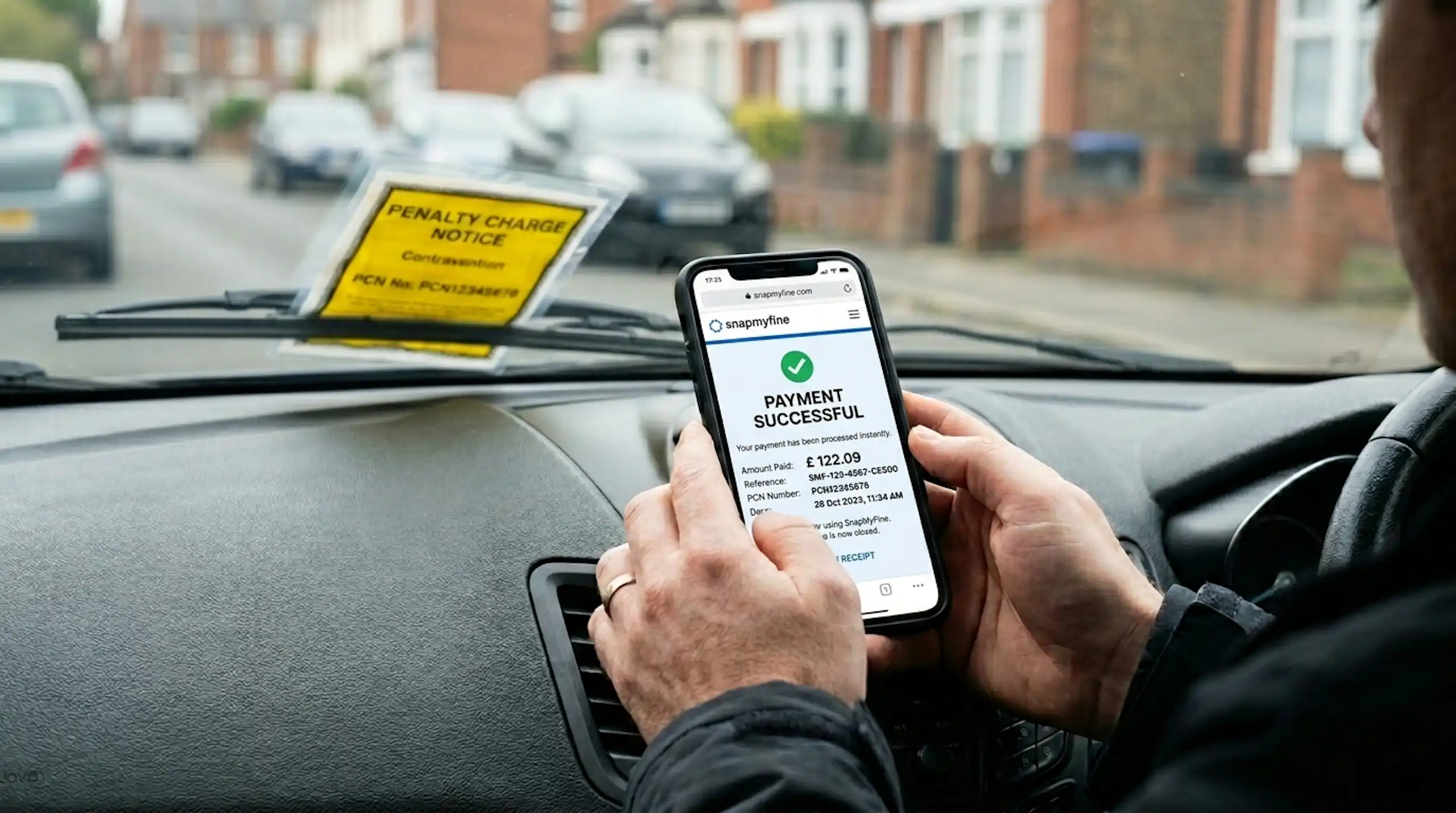
If you have decided to pay your parking ticket, here is the short answer: you pay whoever issued it. A council Penalty Charge Notice (PCN) is paid to the council, online, by phone or by post; a Transport for London penalty is paid to TfL; and a private parking charge is paid to the parking company. Pay within 14 days and you usually halve the cost.
Two things before you reach for your card. First, only pay through the official website of the issuer, never through a link in a text message, because parking payment scams are common. Second, do not pay if you intend to appeal, because paying is normally treated as accepting the ticket. With those out of the way, here is exactly how to pay each type of parking ticket in the UK, and how to keep the discount. This guide covers England and Wales; Scotland and Northern Ireland work differently.
TL;DR: how to pay a parking ticket
- Council PCN - pay the issuing council online, by phone or by post; you need the PCN number and your vehicle registration.
- TfL penalty - pay Transport for London online, by phone or by post for congestion charge, ULEZ, red route and bus lane PCNs.
- Private parking charge - pay the parking company directly using the reference on the notice.
- The discount - pay within 14 days for a 50% reduction on most council and TfL PCNs, or at least 40% off a private charge.
- Stay safe - pay only on the official website; ignore payment links in texts and "scan to pay" QR stickers on signs.
- Do not pay if you plan to appeal, as paying can end your right to challenge.
Before you pay: two quick checks
It takes a moment and can save you money:
- Check who issued it. The issuer is printed on the notice. A council or TfL PCN, a private Parking Charge Notice and a police Fixed Penalty Notice are all paid differently. If you are not sure which you have, the parking ticket help hub explains how to tell them apart.
- Check you actually want to pay. If the ticket looks wrong, paying it usually counts as accepting it and ends your right to appeal. If there is any doubt, look at what to check before you pay or appeal first.
What is the fastest way to pay a parking ticket?
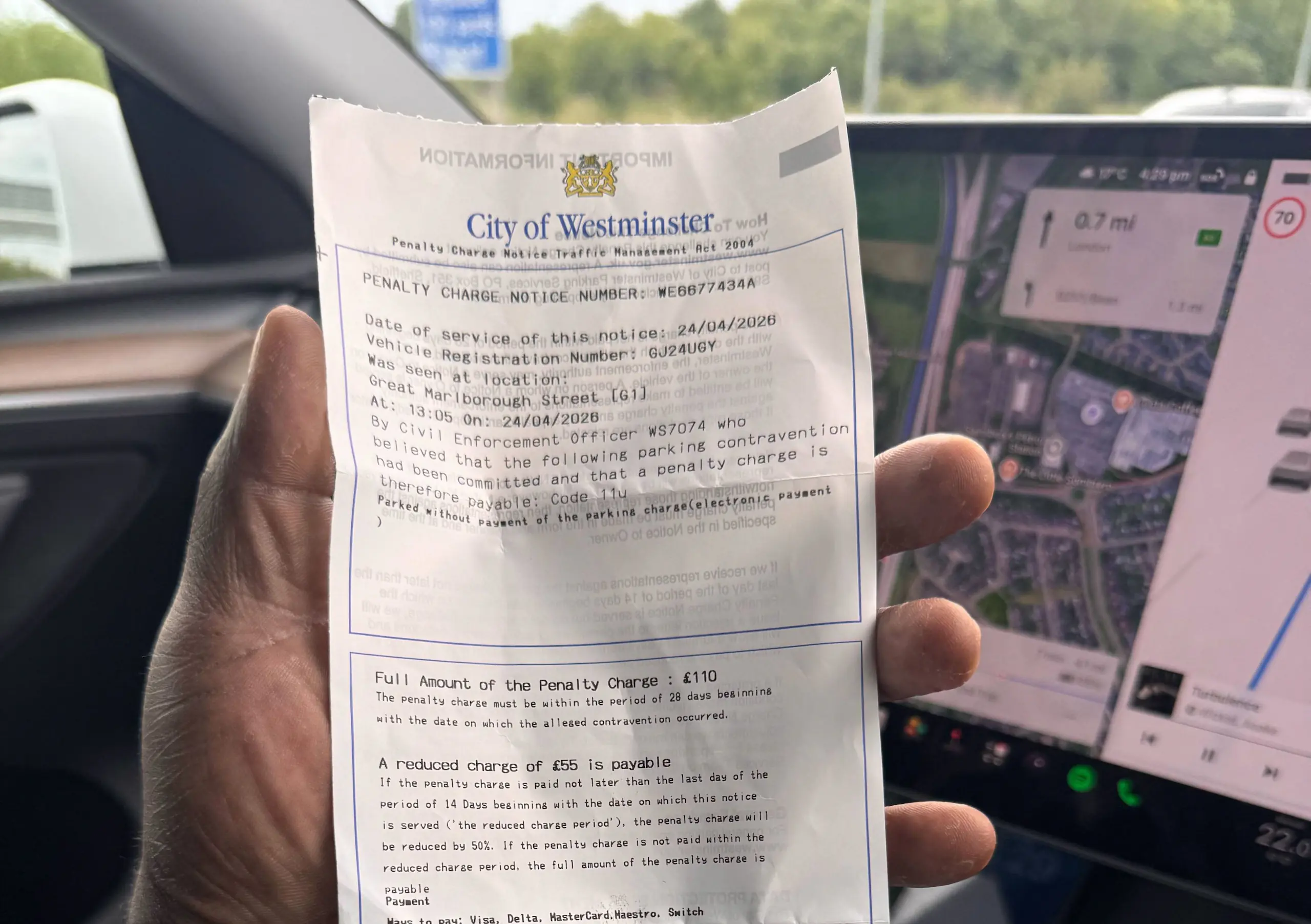
For most drivers it is the SnapMyFine app, because it strips out the slow part. The official routes below all work, but each one means finding the right council or operator portal, reading a long PCN number off your notice, and typing it in without errors. SnapMyFine does that reading for you. Here is the method:
- Snap - photograph the penalty charge notice with the SnapMyFine app; it captures the notice instantly, so there is nothing to type by hand.
- Capture - every type is supported, so council PCNs, TfL fines, ULEZ and congestion charge penalties, and private parking notices all land in one place (for fleets, notices can also arrive by email forwarding or bulk upload).
- Process - the app reads the notice and pulls out the key details, the issuer, reference, vehicle, amount and deadline, and flags anything urgent.
- Pay - payment goes through securely via Open Banking, no card needed, before the 14-day discount deadline for council PCNs, TfL fines, ULEZ and congestion charge notices, and you get a digital receipt.
- Track - everything stays in one place so you can see at a glance what is paid and what is still outstanding (for fleets, that is one live dashboard your whole operations and finance team can see).
SnapMyFine's app processes a fine in around 60 seconds on average, and it reminds you before the 14-day discount window closes so you never accidentally pay full price. If you manage several vehicles, the same workflow scales through SnapMyFine for fleet operators.
Prefer to pay through the official route? Here is how each one works.
How do you pay a council PCN?
A council Penalty Charge Notice can be paid three main ways. For all of them you will need the PCN number (printed on the notice) and your vehicle registration.
- Online. This is the quickest route. Go to the council's own parking payment portal, or use the GOV.UK pay a parking fine service, which finds the right council from its postcode. You pay by debit or credit card and get an on-screen confirmation; save or print it.
- By phone. Most councils run a 24-hour automated card payment line; the number is on the notice. Have the PCN number and registration ready.
- By post. Send a cheque or postal order made payable to the council, with your PCN number and registration written on the back, using the payment slip on the notice. Payment is usually treated as received on the day it arrives, not the day you post it, so post in good time. Some councils also accept payment at a Post Office or PayPoint.
Whichever route you choose, pay within 14 days to get the 50% discount (21 days if the PCN was issued by a camera and posted to you). For the amounts involved, see how much is a parking ticket in the UK.
How do you pay a TfL PCN, congestion charge or ULEZ penalty?
Transport for London handles its own penalties, separately from the boroughs. A TfL PCN is £160, reduced to £80 if you pay within 14 days, and it covers the congestion charge, the ULEZ, red routes and TfL bus lanes. You can pay TfL three ways:
- Online, on the official TfL pay a PCN page, using the PCN number and your registration.
- By phone, on the number printed on the notice.
- By post, following the instructions on the notice.
If your penalty is for the congestion charge or ULEZ, double-check whether the underlying daily charge also needs paying; the penalty and the daily charge are separate.
How do you pay a private parking charge notice?
A private parking ticket is not paid to a council; it is paid to the private company that issued it, such as the operator of a supermarket or retail park car park. The company name, the reference number and the payment methods are on the notice, and most operators take payment online or by phone.
A few things to keep in mind:
- Private charges are capped at £100 under the industry Code of Practice, usually with at least a 40% discount if you pay within 14 days.
- Pay the operator directly through the official details on your notice. Do not pay a third party that contacts you out of the blue.
- A private ticket is an invoice for an alleged breach of contract, not a fine, so if you think it is wrong you may have grounds to challenge it rather than pay. Paying first usually ends that option.
How long do you have to pay, and how much is the discount?
For most council and TfL PCNs the timeline is the same:
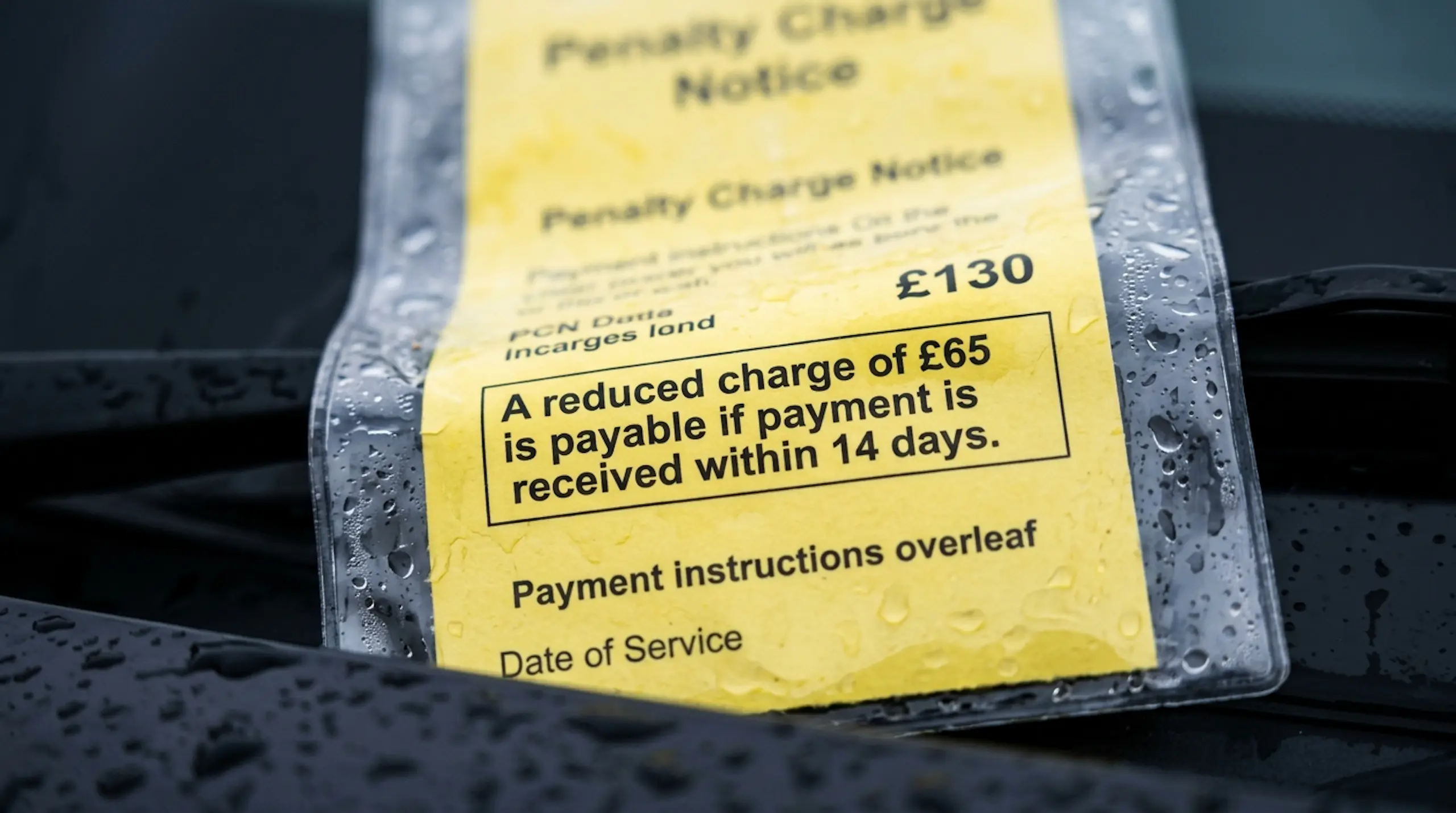
- Within 14 days - pay at the 50% discount (21 days if the PCN was issued by a camera and sent by post).
- Within 28 days - pay the full charge, or make a formal challenge.
- After 28 days unpaid - the charge can rise by a further 50% at the Charge Certificate stage, and then be pursued through the courts.
So paying promptly is almost always the cheapest outcome if the ticket is correct. The full set of dates is in the PCN deadline guide. If you would rather contest it than pay, start with how to appeal a parking ticket.
Not sure of your exact deadline or how much is due today? Snap your PCN with SnapMyFine. It reads the notice, shows the amount and the 14-day discount deadline, and lets you pay securely in seconds.
Watch out for parking payment scams
This is worth a moment, because scammers target exactly this moment, when you are looking to pay. GOV.UK has warned that text messages claiming to be from the Department for Transport about an unpaid parking fine are a scam; the DfT does not issue parking fines. Several councils have also reported fake "scan to pay" QR code stickers placed on parking signs. To stay safe:
- Type the council or TfL website address yourself, use Snapmyfine easy-to-use method, or use the official GOV.UK payment page, rather than tapping a link in a message.
- Treat any unexpected text, email or QR code asking for parking payment with suspicion.
- If you are unsure whether a notice is genuine, contact the issuer using the phone number on its official website.
"This article was researched using GOV.UK, London Tribunals, and TfL official guidance. Not Legal Advice!"
Common mistakes to avoid
- Paying when you meant to appeal, and losing the right to challenge.
- Missing the 14-day window and paying double what you needed to.
- Paying the wrong body, for example treating a private charge like a council PCN.
- Tapping a payment link in a text, or scanning a QR sticker on a sign, instead of using the official website.
- Posting a cheque at the last minute, when payment only counts once it arrives.
Pay your parking ticket in 60 seconds with SnapMyFine
You do not have to wrestle with portals and reference numbers. Download SnapMyFine free on iOS and Android, photograph your ticket, and the app reads everything off it, tells you honestly whether to pay or challenge, and, where supported, lets you pay securely through Open Banking with no card needed and a digital receipt. It even reminds you before the discount deadline. Snap your ticket and pay in seconds.
Frequently asked questions
How do you pay for a parking ticket in the UK?
You pay whoever issued it. A council PCN is paid to the council online, by phone or by post; a TfL penalty is paid to Transport for London; and a private parking charge is paid to the parking company. You will usually need the ticket number and your vehicle registration.
Can you pay a PCN online?
Yes. Most councils have an online payment portal, and you can also use the GOV.UK "pay a parking fine" service to find the right council. TfL and most private operators also take payment online.
How long do you have to pay a parking ticket?
You normally have 28 days, with a 50% discount on most council and TfL PCNs if you pay within 14 days (21 days if the ticket was posted to you from a camera). Always check the dates on your notice.
Do you get a discount for paying a parking ticket early?
Yes. Most council and TfL PCNs are halved if you pay within 14 days, and private parking charges must offer at least a 40% discount in the same window.
How do you pay a TfL or ULEZ penalty charge notice?
Pay Transport for London directly, online on the official TfL website, by phone, or by post, using the PCN number and your vehicle registration.
Is it safe to pay a parking ticket from a text message link?
No. Treat payment links in texts as scams; the DfT does not issue parking fines. Always pay through the official council or TfL website that you have typed in yourself.
Should you pay a parking ticket or appeal it?
Pay if the ticket is correct and you want to claim the early discount. If you believe it is wrong, do not pay, because paying usually ends your right to appeal; challenge it instead.
