If your fleet is missing PCN deadlines, the issue is rarely one person making one mistake. It is usually a workflow problem.
Penalty Charge Notices can arrive from councils, Transport for London, leasing providers, hire companies, depots, post rooms, or shared inboxes. By the time the right person sees the notice, the discount window may already be closing.
For UK fleets, the best way to reduce risk is to build a clear fleet PCN management process. That means every PCN is captured, assigned, reviewed, actioned, and closed with evidence.
A strong fleet PCN workflow helps your team act before deadlines are missed, reduce manual chasing, and keep fleet compliance under control.
TL;DR:
- Missing PCN deadlines is almost always a workflow problem, not a people problem
- Every PCN needs one owner, one record, and one deadline, from the moment it arrives
- TfL PCNs have different deadlines and processes to council PCNs, they need a separate workflow track
- The discount window closes fast; most council PCNs give only 14 days at 50% off
- The goal is not just to pay fines faster; it is to make the right decision every time with a clear audit trail
What This Means for Fleet Managers
Managing one PCN is simple enough. Managing PCNs across 20, 50, or 500 vehicles is different.
You may need to identify the driver, check the vehicle allocation, confirm whether the vehicle was leased or hired, collect delivery evidence, speak to a depot, review telematics, and decide whether to pay, appeal, recharge, or transfer liability where allowed.
Without a structured process, PCNs can sit in inboxes, get buried in spreadsheets, or rely on one administrator remembering every deadline. That creates unnecessary cost and compliance risk. The Traffic Penalty Tribunal warns that ignored PCNs can increase and may be registered as a debt, subject to enforcement.
Good fleet PCN management is not just about paying fines faster. It is about making the right decision quickly, with a clear audit trail behind it.
For fleet managers, that means fewer missed discounts, fewer internal disputes, better visibility, and stronger control over recurring issues.
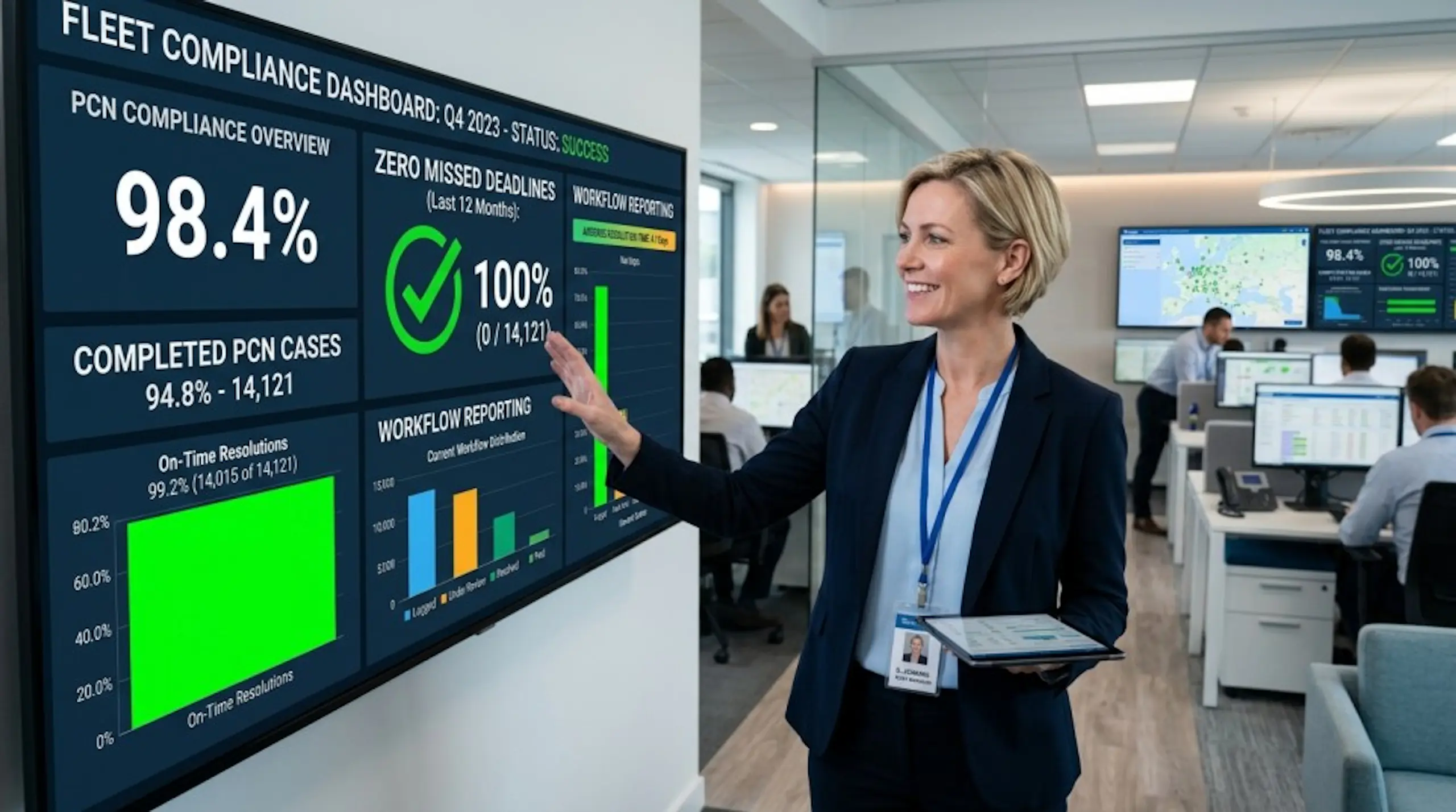
Fleet PCN Management Workflow: Process Steps and Checklist
1. Centralise Every Fleet PCN in One Place
Start by creating one place where every PCN is logged. This could be dedicated PCN software or a controlled internal system.
Record:
- PCN number
- Vehicle registration
- Issuing authority
- Date of contravention
- Date received
- Deadline to pay or challenge
- Discount deadline
- Current status
- Assigned owner
- Driver or responsible party
- Evidence attached
- Final outcome
This is the foundation of an effective fleet PCN workflow. If a PCN is not captured, it cannot be controlled.
2. Classify Each PCN by Type and Vehicle
Not all notices follow the same route. Separate PCNs by type, such as parking, bus lane, red route, congestion charge, ULEZ, toll, moving traffic, or private parking notice.
Also classify the vehicle type: owned, leased, hired, courtesy vehicle, pool vehicle, or grey fleet. For a detailed breakdown of how PCN liability works across different vehicle arrangements, the guide on PCN liability on leased and hired vehicles covers the full picture.
This helps your team understand who is responsible, what evidence is needed, and how quickly action must be taken.
3. Assign a Named Owner to Every PCN Immediately
Every PCN should have one named owner. Avoid shared responsibility without clear accountability.
The owner does not need to complete every task personally, but they should make sure the case moves forward before the deadline. This simple step can prevent notices from sitting untouched in a shared inbox.
4. Identify the Driver or Responsible Party for Each Fleet PCN
Use vehicle allocation records, driver check-out logs, route schedules, delivery notes, telematics, fuel card data, parking apps, and depot records to identify who had the vehicle at the relevant time.
For pool vehicles or multi-driver operations, this step is especially important. A clear process reduces back-and-forth and avoids unfair recharges.
5. Decide Whether to Pay, Appeal, or Transfer Liability
Not every PCN should be appealed, and not every PCN should be paid immediately. Create a decision checklist so your team handles cases consistently. For a detailed guide on building a winning appeal case, the fleet operators PCN appeal playbook covers every stage.
Ask:
- Is the PCN valid?
- Was the vehicle at the location?
- Was the driver authorised to be there?
- Is there evidence to challenge it?
- Is the notice linked to a lease, hire, or customer vehicle arrangement?
- Should the cost be paid, appealed, recharged, or escalated?
This keeps decisions calm, fair, and evidence-led.
6. Store PCN Evidence Directly with the Case
Evidence should not live in someone's inbox or desktop folder. Attach it directly to the PCN record.
Useful evidence may include driver statements, delivery notes, job sheets, permits, parking receipts, telematics screenshots, ANPR records, site instructions, photos, or customer authorisations.
This protects the business if the PCN is challenged, disputed by a driver, or reviewed later for compliance.
7. Track Fleet PCN Deadlines Before They Become Urgent
Your workflow should flag deadlines early, not on the day action is due. The official government guidance on PCN deadlines confirms that missing the 28-day window can trigger a Charge Certificate, increasing the penalty by 50%.
Set reminders for:
- New PCNs awaiting review
- Discount deadlines
- Appeal or representation deadlines
- Driver response deadlines
- Escalated cases
- Overdue cases
This is where fleet PCN management moves from reactive admin to proactive control.
8. Review Fleet PCN Trends and Compliance Hotspots Every Month
PCN data is useful beyond individual cases. Look for patterns by vehicle, depot, route, driver, contravention type, issuing authority, and location.
Recurring PCNs may show a training issue, route planning problem, permit gap, customer site issue, or unclear delivery instruction. That turns PCN handling into a useful fleet compliance insight.
How TfL PCNs Work Differently for Fleet Operators
Transport for London issues PCNs for a range of contraventions that are separate from standard council parking PCNs. These include congestion charge violations, ULEZ charges, red route contraventions, bus lane offences, and moving traffic violations. For fleet operators with vehicles regularly entering London, TfL PCNs are often the most frequent and most expensive notices received.
The standard TfL PCN amount is £160, reduced to £80 if paid within 14 days of the date of service. For congestion charge PCNs the same amounts apply. This is higher than many council parking PCNs, which makes the 14-day discount window particularly important to catch.
The appeal process for TfL PCNs also works differently to council PCNs. Fleet operators have 28 days from the date of service to pay or make a formal representation directly to TfL. If TfL rejects the representation, there is a further 28 days to appeal to London Tribunals; an independent body separate from TfL. For more detail on how to stay compliant across all PCN types, the fleet PCN compliance guide covers the full legal obligations for UK operators.
This means TfL PCNs need a separate workflow track within your fleet PCN management process. The issuer portal, evidence requirements, appeal route, and deadline structure are all different from a standard council PCN. For the full breakdown of how TfL enforces penalties and what the appeal process involves, TfL's penalties and enforcement guidance sets out each stage clearly.
Common Fleet PCN Mistakes to Avoid
Relying on spreadsheets alone: Spreadsheets can track simple data, but they can quickly become risky when deadlines, evidence, owners, and multiple depots are involved.
Letting PCNs sit in shared inboxes: A shared inbox is not a workflow. Without ownership, reminders, and status tracking, notices can easily be missed.
Waiting too long for driver feedback: Driver input matters, but the PCN deadline still applies. Set a clear internal response window so cases can move forward.
Treating every PCN the same: A council PCN, TfL notice, toll penalty, and private parking notice may each have different processes. Always check the notice and issuer instructions.
Not reporting repeat issues: If the same location or driver keeps appearing, do not treat each PCN as a one-off. Use the data to prevent the next notice.
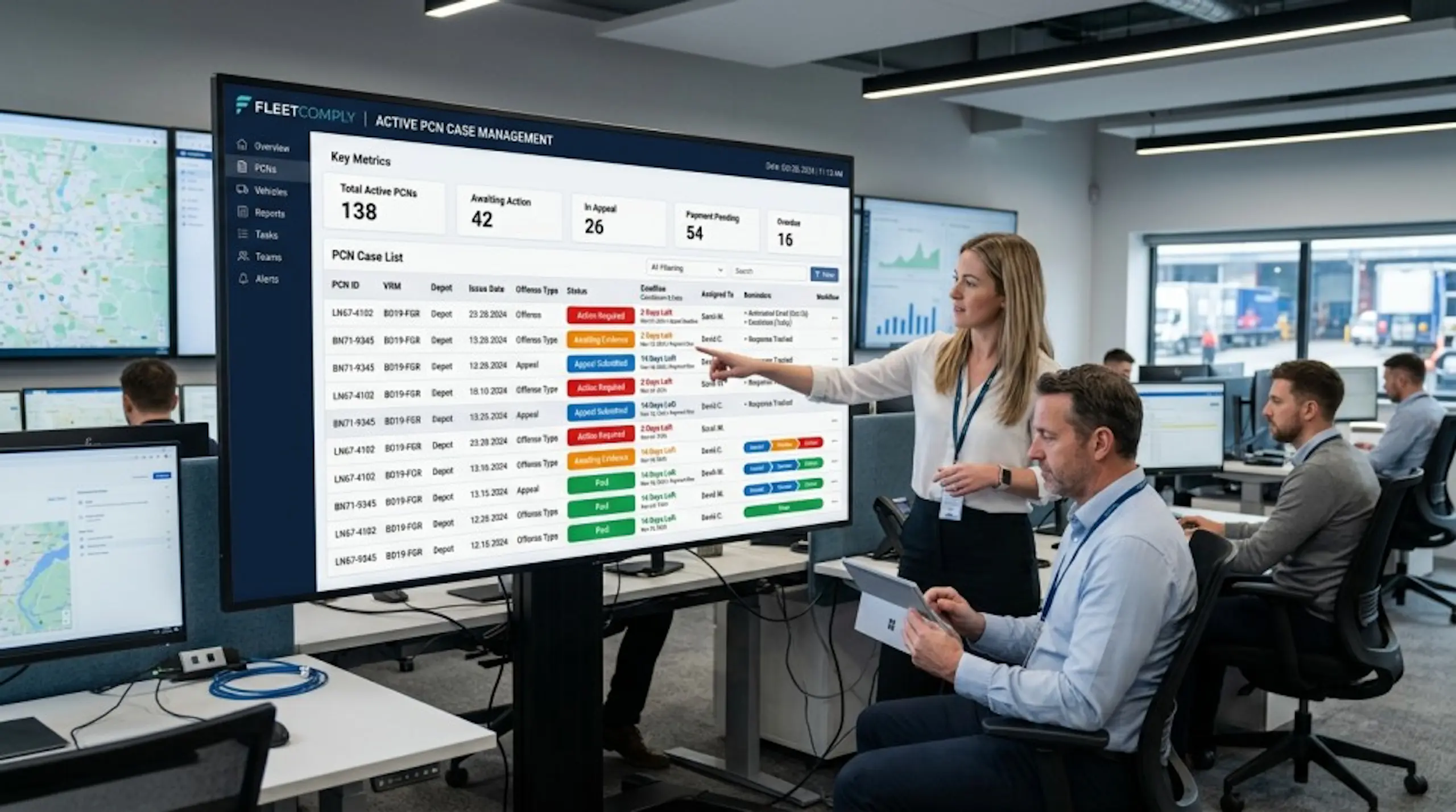
A Workflow Built Once, Used Every Time
Building a fleet PCN management workflow is a one-time investment that pays back every time a deadline is caught, an appeal is won, or a repeat hotspot is identified before it becomes a recurring cost. The eight steps in this guide give your team a consistent, evidence-led process from receipt to closure; for every PCN, every vehicle, and every issuer.
For operators ready to take that process further, SnapMyFine for fleet operators is built to centralise, automate, and report on fleet PCN management at scale. For the compliance side of fleet PCN handling, the fleet PCN compliance guide covers your legal obligations as a UK operator in full.
Make Fleet PCN Management Easier
If your team is managing PCNs through inboxes, spreadsheets, and manual reminders, you may be carrying more admin and compliance risk than necessary. A dedicated fleet PCN management system can help you centralise notices, assign tasks, track deadlines, store evidence, improve reporting, and support stronger fleet compliance across your operation.
Book a demo today to see how SnapMyFine's structured fleet PCN workflow can help your fleet stop missing deadlines and reduce admin.
FAQs:
What is Fleet PCN Management?
Fleet PCN management is the process of logging, reviewing, paying, challenging, recharging, reporting, and closing Penalty Charge Notices across a fleet of vehicles. A structured fleet PCN management workflow ensures every notice is captured, assigned, actioned before its deadline, and closed with a full audit trail.
Why Do Fleets Miss PCN Deadlines?
Fleets often miss PCN deadlines because notices arrive through different channels, ownership is unclear, driver identification takes too long, or reminders are handled manually. A centralised intake process with named ownership and automated deadline tracking eliminates most of these failure points.
What Should a Fleet PCN Workflow Include?
A good fleet PCN workflow should include central intake, classification by PCN type and vehicle type, named owner assignment, driver identification, evidence collection, a consistent decision framework, deadline tracking with early reminders, outcome recording, and monthly trend reporting.
How Does PCN Management Support Fleet Compliance?
It gives fleet teams visibility and control over every notice from receipt to closure. It also helps identify repeat issues linked to routes, depots, drivers, permits, customer sites, or vehicle use — turning reactive admin into useful compliance intelligence.
Is Fleet PCN Management Software Better than Spreadsheets?
For small fleets, spreadsheets may work for a while. For larger or growing fleets, dedicated PCN software is usually more reliable because it can automate reminders, store evidence, assign tasks, and provide reporting across multiple depots and vehicle types.
What are Common Reasons for TfL PCNs?
The most common reasons fleet vehicles receive TfL PCNs include driving in the congestion charge zone without paying, entering the ULEZ without a compliant vehicle, bus lane contraventions on red routes, moving traffic violations such as banned turns, and failing to pay the Low Emission Zone charge. For London-based fleets, monitoring vehicle compliance with ULEZ and congestion charge requirements proactively is the most effective way to reduce TfL PCN volumes.
How Much is a TfL Penalty Charge for a Fleet Vehicle?
The standard TfL penalty charge is £160, reduced to £80 if paid within 14 days of the date of service. This applies to congestion charge PCNs, ULEZ PCNs, red route PCNs, and bus lane PCNs. If the notice escalates to a Charge Certificate stage due to non-payment, the amount increases by 50% to £240. For fleet operators managing multiple London vehicles, even a small number of missed TfL discount deadlines can create significant avoidable cost.
How Do You Reduce Fleet PCN Costs?
The most effective ways to reduce fleet PCN costs are catching every notice early to take advantage of the 14-day discount window, building a consistent decision framework so appeals are only made where there is genuine evidence, identifying repeat hotspots and addressing the root cause, ensuring TfL PCNs are handled through a separate workflow track, and using dedicated fleet PCN management software to automate deadline reminders and reduce missed notices.