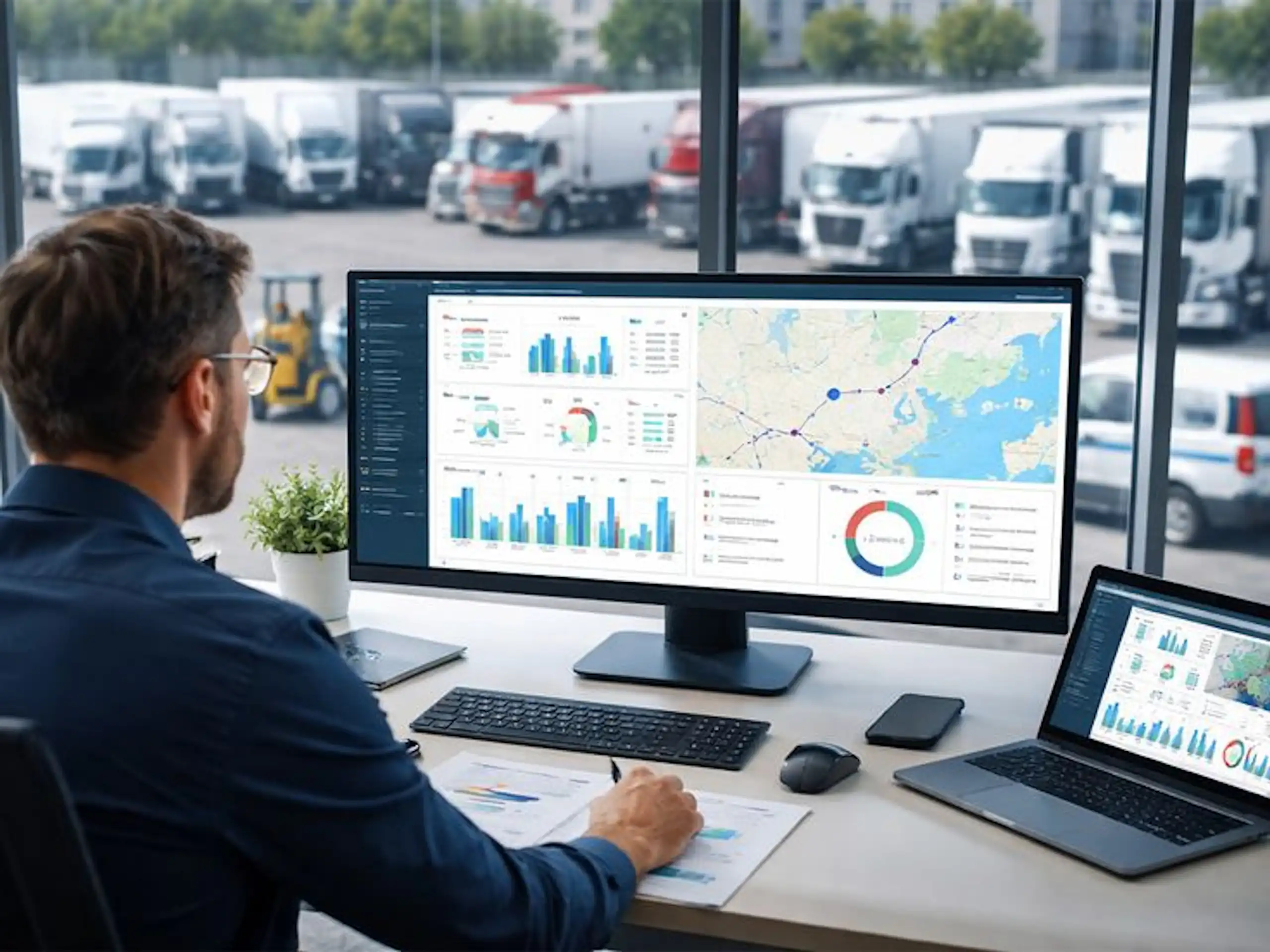
If your fleet is missing PCN deadlines, the issue is rarely one person making one mistake. It is usually a workflow problem.
Penalty Charge Notices can arrive from councils, Transport for London, leasing providers, hire companies, depots, post rooms, or shared inboxes. By the time the right person sees the notice, the discount window may already be closing.
For UK fleets, the best way to reduce risk is to build a clear fleet PCN management process. That means every PCN is captured, assigned, reviewed, actioned, and closed with evidence.
A strong fleet PCN workflow helps your team act before deadlines are missed, reduce manual chasing, and keep fleet compliance under control.
What this means for fleet managers
Managing one PCN is simple enough. Managing PCNs across 20, 50, or 500 vehicles is different.
You may need to identify the driver, check the vehicle allocation, confirm whether the vehicle was leased or hired, collect delivery evidence, speak to a depot, review telematics, and decide whether to pay, appeal, recharge, or transfer liability where allowed.
Without a structured process, PCNs can sit in inboxes, get buried in spreadsheets, or rely on one administrator remembering every deadline. That creates unnecessary cost and compliance risk. The Traffic Penalty Tribunal warns that ignored PCNs can increase and may be registered as a debt, subject to enforcement.
Good fleet PCN management is not just about paying fines faster. It is about making the right decision quickly, with a clear audit trail behind it.
For fleet managers, that means fewer missed discounts, fewer internal disputes, better visibility, and stronger control over recurring issues.
Fleet PCN management workflow: process steps and checklist
1. Centralize every PCN
Start by creating one place where every PCN is logged. This could be dedicated PCN software or a controlled internal system.
Record:
- PCN number
- Vehicle registration
- Issuing authority
- Date of contravention
- Date received
- Deadline to pay or challenge
- Discount deadline
- Current status
- Assigned owner
- Driver or responsible party
- Evidence attached
- Final outcome
This is the foundation of an effective fleet PCN workflow. If a PCN is not captured, it cannot be controlled.
2. Classify the PCN
Not all notices follow the same route. Separate PCNs by type, such as parking, bus lane, red route, congestion charge, ULEZ, toll, moving traffic, or private parking notice.
Also classify the vehicle type: owned, leased, hired, courtesy vehicle, pool vehicle, or grey fleet.
This helps your team understand who is responsible, what evidence is needed, and how quickly action must be taken.
3. Assign an owner immediately
Every PCN should have one named owner. Avoid shared responsibility without clear accountability.
The owner does not need to complete every task personally, but they should make sure the case moves forward before the deadline. This simple step can prevent notices from sitting untouched in a shared inbox.
4. Identify the driver or responsible party
Use vehicle allocation records, driver check-out logs, route schedules, delivery notes, telematics, fuel card data, parking apps, and depot records to identify who had the vehicle at the relevant time.
For pool vehicles or multi-driver operations, this step is especially important. A clear process reduces back-and-forth and avoids unfair recharges.
5. Decide the correct action
Create a decision checklist so your team handles cases consistently.
Ask:
- Is the PCN valid?
- Was the vehicle at the location?
- Was the driver authorized to be there?
- Is there evidence to challenge it?
- Is the notice linked to a lease, hire, or customer vehicle arrangement?
- Should the cost be paid, appealed, recharged, or escalated?
This keeps decisions calm, fair, and evidence-led.
6. Store evidence with the case
Evidence should not live in someone’s inbox or desktop folder. Attach it directly to the PCN record.
Useful evidence may include driver statements, delivery notes, job sheets, permits, parking receipts, telematics screenshots, ANPR records, site instructions, photos, or customer authorizations.
This protects the business if the PCN is challenged, disputed by a driver, or reviewed later for compliance.
7. Track deadlines before they become urgent
Your workflow should flag deadlines early, not on the day action is due.
Set reminders for:
- New PCNs awaiting review
- Discount deadlines
- Appeal or representation deadlines
- Driver response deadlines
- Escalated cases
- Overdue cases
This is where fleet PCN management moves from reactive admin to proactive control.
8. Review trends every month
PCN data is useful beyond individual cases. Look for patterns by vehicle, depot, route, driver, contravention type, issuing authority, and location.
Recurring PCNs may show a training issue, route planning problem, permit gap, customer site issue, or unclear delivery instruction.
That turns PCN handling into a useful fleet compliance insight.
Common fleet PCN mistakes to avoid
Relying on spreadsheets alone
Spreadsheets can track simple data, but they can quickly become risky when deadlines, evidence, owners, and multiple depots are involved.
Letting PCNs sit in shared inboxes
A shared inbox is not a workflow. Without ownership, reminders, and status tracking, notices can easily be missed.
Waiting too long for driver feedback
Driver input matters, but the PCN deadline still applies. Set a clear internal response window so cases can move forward.
Treating every PCN the same
A council PCN, TfL notice, toll penalty, and private parking notice may each have different processes. Always check the notice and issuer instructions.
Not reporting repeat issues
If the same location or driver keeps appearing, do not treat each PCN as a one-off. Use the data to prevent the next notice.
Make fleet PCN management easier
If your team is managing PCNs through inboxes, spreadsheets, and manual reminders, you may be carrying more admin and compliance risk than necessary.
A dedicated fleet PCN management system can help you centralize notices, assign tasks, track deadlines, store evidence, improve reporting, and support stronger fleet compliance across your operation.
Book a demo today to see how Snapmyfine structured fleet PCN workflow can help your fleet stop missing deadlines and reduce admin.
FAQs
What is fleet PCN management?
Fleet PCN management is the process of logging, reviewing, paying, challenging, recharging, reporting, and closing Penalty Charge Notices across a fleet of vehicles.
Why do fleets miss PCN deadlines?
Fleets often miss PCN deadlines because notices arrive through different channels, ownership is unclear, driver identification takes too long, or reminders are handled manually.
What should a fleet PCN workflow include?
A good fleet PCN workflow should include central intake, classification, owner assignment, driver identification, evidence collection, decision-making, deadline tracking, action, reporting, and audit-ready closure.
How does PCN management support fleet compliance?
It gives fleet teams visibility and control. It also helps identify repeat issues linked to routes, depots, drivers, permits, customer sites, or vehicle use.
Is fleet PCN management software better than spreadsheets?
For small fleets, spreadsheets may work for a while. For larger or growing fleets, dedicated PCN software is usually more reliable because it can automate reminders, store evidence, assign tasks, and provide reporting.
